Elegant Markdown Beautification
Say goodbye to plain styles. Write in Markdown, render with one click, and copy with HTML formatting. 10+ built-in themes—your data stays on your device.
Web · macOS · Windows · Linux · Obsidian plugin
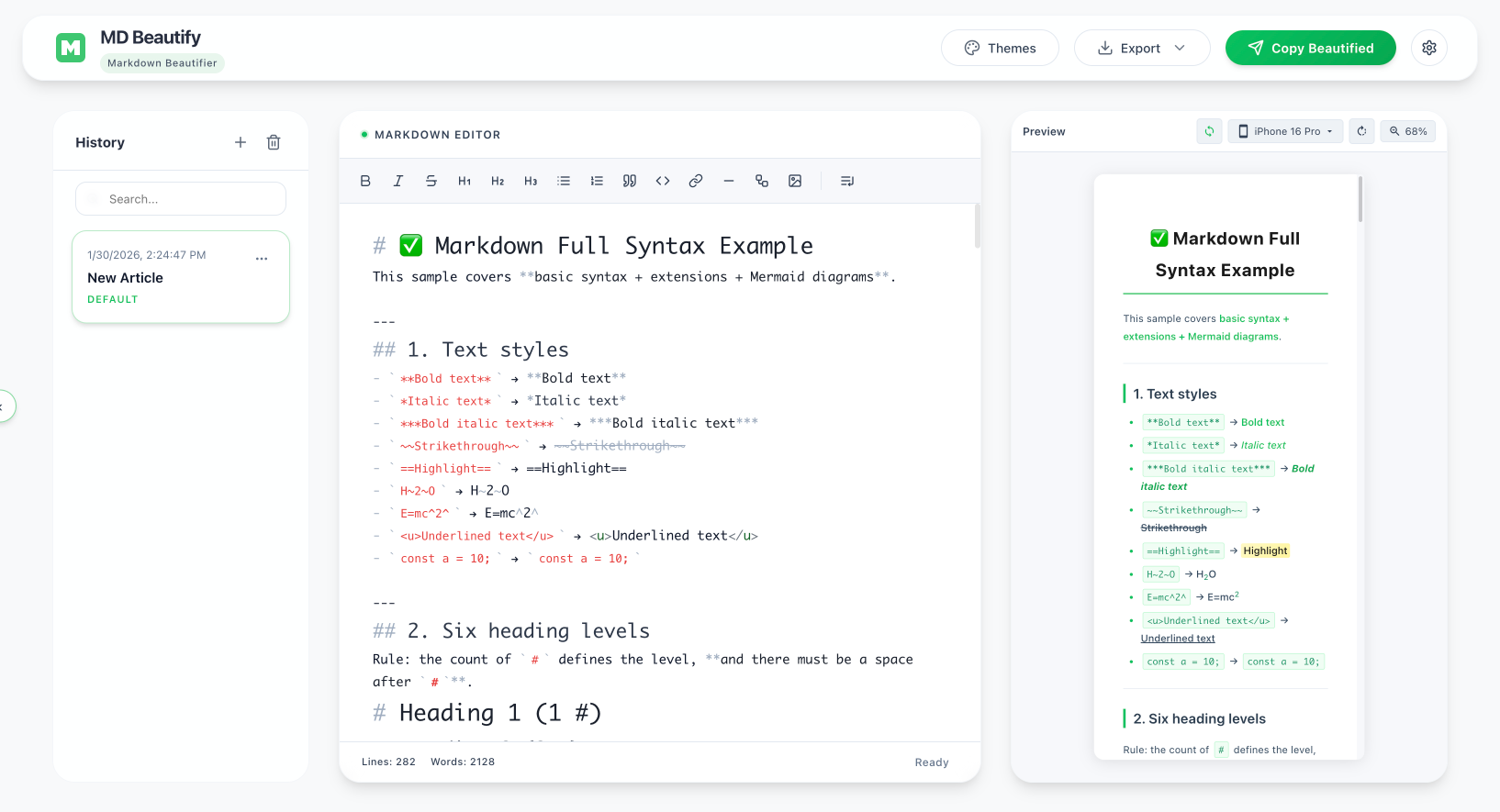
Built for Content Creators
A smooth workflow from writing to publishing
Full Markdown
GFM, tables, syntax highlighting, math, and Mermaid diagrams for every use case.
Beautiful Themes
10+ professional themes plus a visual designer and custom CSS—no coding required.
Styled Copy
Copy rendered HTML that pastes perfectly into WeChat, email, notes, and CMS editors.
Image Upload
Preconfigured third-party default host in the web app, or configure your own—custom credentials stay in your browser.
Privacy First
Markdown is processed locally by default; image uploads go through third-party hosts (preconfigured default or your own) under their terms.
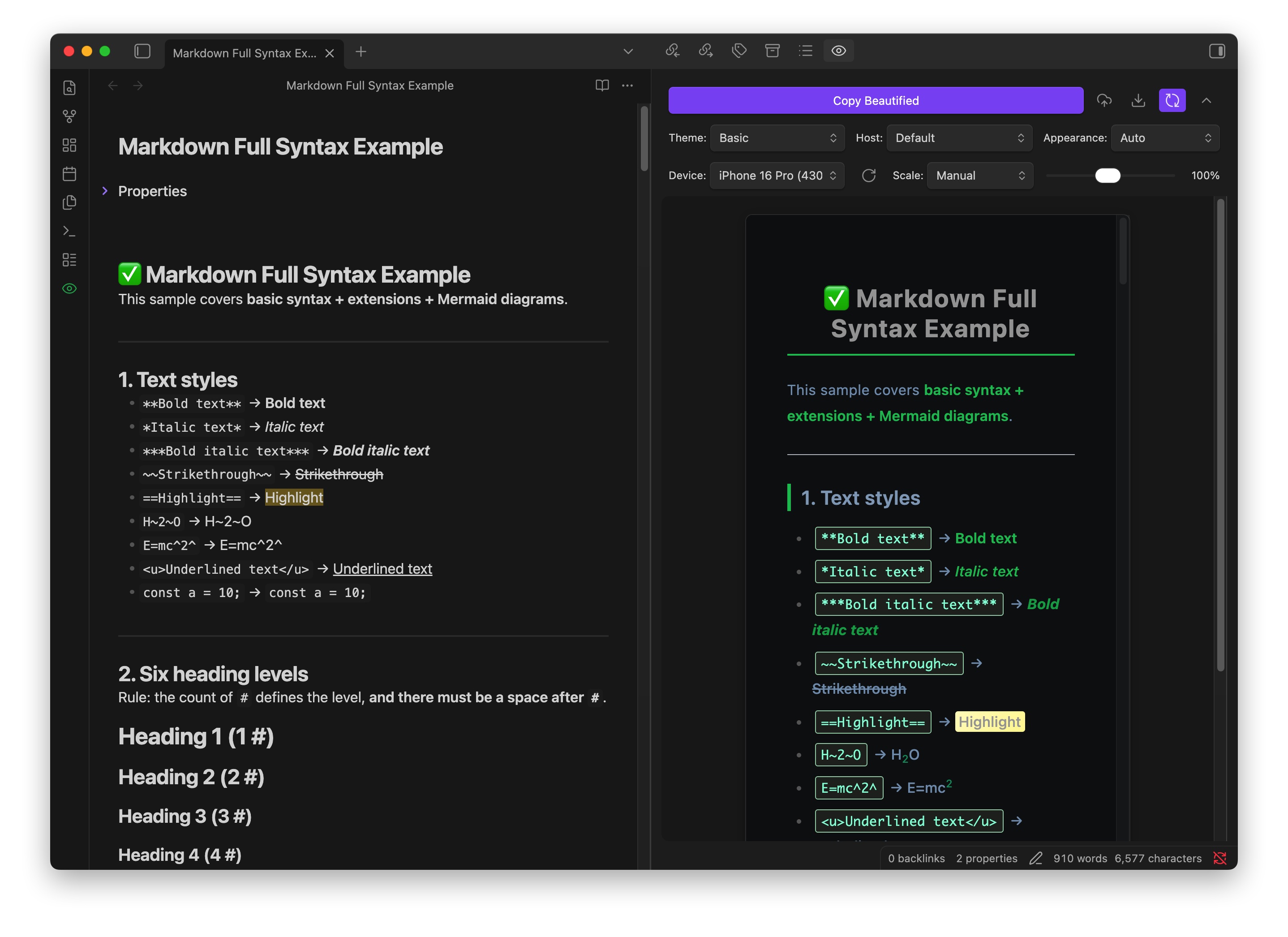
Dark Mode Fidelity
Color preservation algorithm delivers 98%+ fidelity in dark mode previews.
Every Platform
One core engine, available everywhere
What You See Is What You Get
Live styled preview—copy and paste into any rich-text editor
Web / Desktop
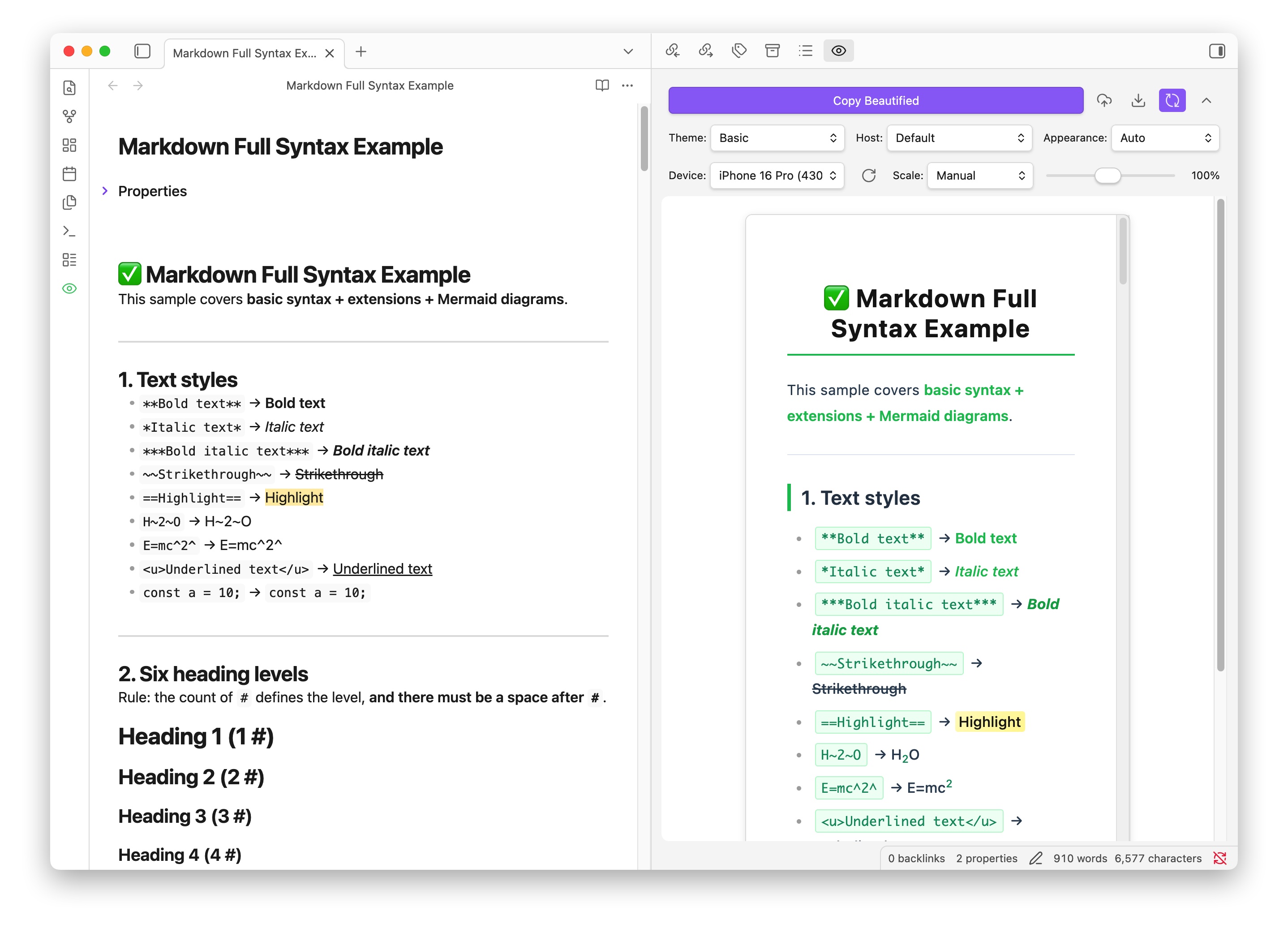
Obsidian Plugin
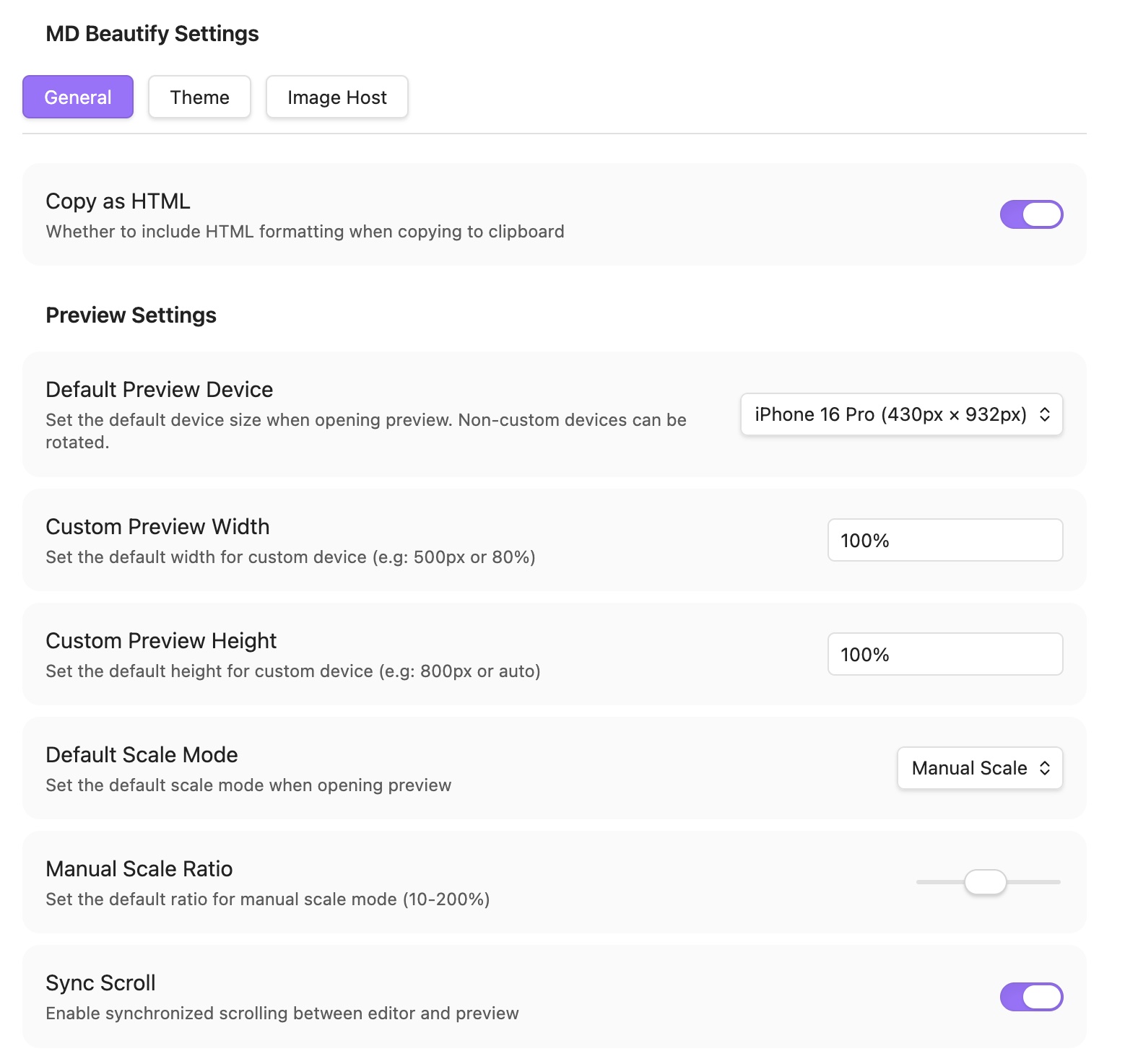
Light Mode
Dark Mode
Start Beautifying Your Markdown
Free, open source, MIT licensed—no sign-up required